Make Your PC
Do More.
Emulators, free software and fixes. Tested on YouTube, with safe download links.
Latest Videos



The Tutorials Everyone
Is Watching
Viewers' favourites, each with its own page listing every tool from the video in order.

Explainers & Guides
The written side of the channel: what each tool does and which one fits your PC.
 Comparisons
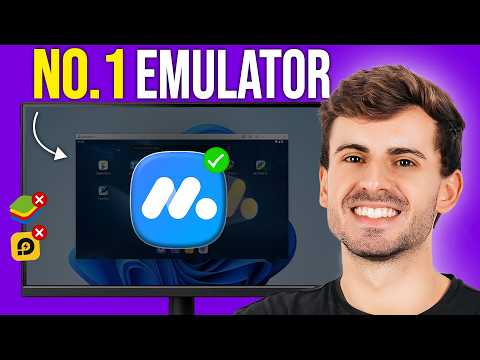
MuMu Player vs LDPlayer vs BlueStacks: Which One Should You Install?
A side-by-side look at the three most popular Android emulators, using their official system requirements, so you can pick the right one for your PC.
 Explainers
What Is an Android Emulator? A Plain-English Guide
What an Android emulator actually does, why people use one on Windows, and what your PC needs to run it smoothly.
 Guides
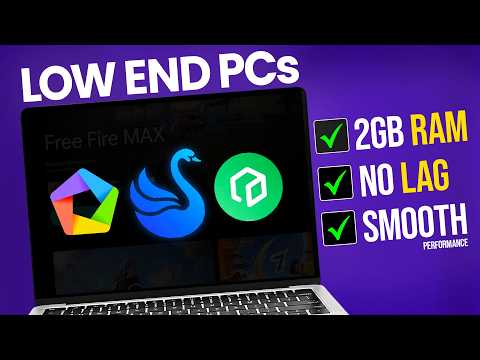
Why Your Android Emulator Lags (and 7 Fixes That Actually Help)
The most common reasons emulators stutter on Windows, and simple fixes you can try in a few minutes, from enabling VT to the right RAM allocation.
Not Sure Which Emulator
Your PC Can Run?
The Emulator Finder reads your specs, checks each emulator's official requirements, and gives you a ranked pick with ready-made settings. It takes about 30 seconds.
Check My PC- Reads your specs
CPU, memory, graphics and Windows version, auto-detected where your browser allows.
- Checks official requirements
Every emulator is matched against its vendor's published minimums.
- Gives the best settings
CPU cores, RAM, resolution and FPS tuned to your hardware.
Every Tool From the Videos,
Linked to Official Sources



Hi, This Is WinX Solutions
A YouTube channel about getting more out of your Windows PC: Android emulators, free software, PC games and step-by-step fixes. This site is the channel's home base. Every tool from every video is listed here with an official download link, so you never have to dig through descriptions or risky download sites.