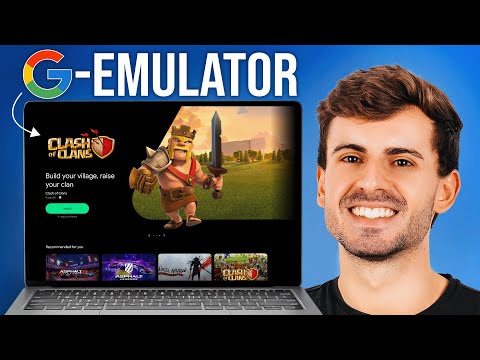
An Android emulator is a Windows program that runs a complete Android phone inside a window on your PC. Inside it you get the Google Play Store, your apps and your games, just like on a phone. The difference is that you use your keyboard, mouse and big screen.
Why people use one
- Play mobile games on a bigger screen, with keyboard and mouse controls (PUBG Mobile, Free Fire, Genshin and so on).
- Use phone-only apps on a laptop or desktop.
- Run several accounts at once. Most emulators can open multiple “instances” side by side.
- Save your phone’s battery during long gaming sessions.
How it works (the short version)
Your PC’s processor speaks a different “language” from a phone’s. The emulator builds a virtual Android device and translates between the two. That is why two settings matter so much:
- Virtualization (VT): a CPU feature that lets the emulator run Android much faster. Most emulators need it switched on in the BIOS. See how to enable VT.
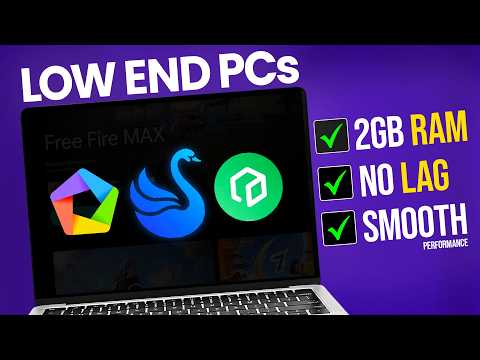
- RAM and CPU cores: the emulator borrows some of your PC’s memory and cores for the virtual phone. More to spare means smoother games.
What your PC needs
Requirements differ a lot between emulators. Taken from each vendor’s official pages:
| Emulator | Minimum RAM | VT needed? |
|---|---|---|
| MuMu Player | 4 GB | Yes |
| BlueStacks 5 | 4 GB | Recommended |
| LDPlayer 9 | 2 GB | Yes |
| MEmu Play | 2 GB (4 GB on 64-bit) | Yes |
| GameLoop | about 3 GB | No |
The full details, with sources, are on each tool page. To skip the reading, the Emulator Finder compares your PC with all of them in about 30 seconds.
Is it safe?
The emulators themselves (MuMu, BlueStacks, LDPlayer and others) are legitimate products from known companies. The risk comes from where you download them. Fake “download” sites often bundle unwanted software. Every download button on this site goes to the official vendor, or to a partner link that leads to the official installer. Here’s how we choose links.
Tools mentioned in this post

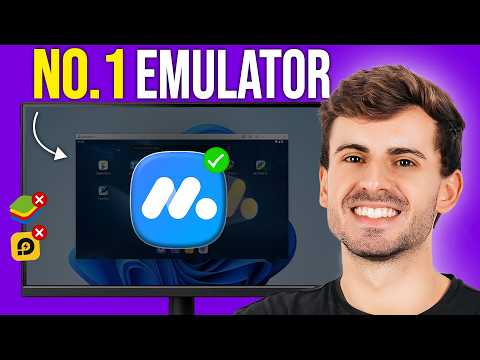
MuMu Player
The channel's No.1 pick for 2026: smooth, stable, Android 15.

BlueStacks 5
The most popular emulator: polished, reliable, works with Hyper-V.

LDPlayer
Gaming-focused emulator, now on Android 14 (LDPlayer 14).
Free 30-second check against each emulator's official requirements.