
LDPlayer
Free · Windows 7/8/10/11
Gaming-focused emulator, now on Android 14 (LDPlayer 14).

The channel's No.1 pick for 2026: smooth, stable, Android 15.
MuMu Player is a fast Android emulator from NetEase. It runs Android 15 and Android 12 side by side, and it's the emulator WinX Solutions rated No.1 overall in 2026 for performance, stability and everyday use. It's great for gaming and also for simply getting the Google Play Store on your PC.
From the vendor's official pages, last checked Nov 15, 2026. Sources: mumuplayer.com [1] · mumuplayer.com [2]
Virtualization (VT): Required. The vendor recommends Intel CPUs/GPUs for best compatibility. How to enable VT →
 Comparisons
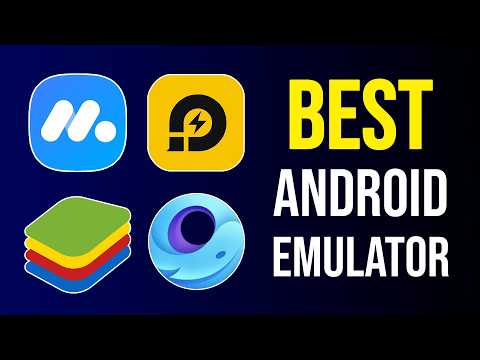
A side-by-side look at the three most popular Android emulators, using their official system requirements, so you can pick the right one for your PC.
 Explainers
What an Android emulator actually does, why people use one on Windows, and what your PC needs to run it smoothly.
Most of these tools install on a Windows PC. Send yourself this page and open it on your computer.
Gaming-focused emulator, now on Android 14 (LDPlayer 14).

The most popular emulator: polished, reliable, works with Hyper-V.

Built for PUBG Mobile and COD Mobile. No VT needed.