



MuMu Player
Free · Windows 8/10/11
The channel's No.1 pick for 2026: smooth, stable, Android 15.

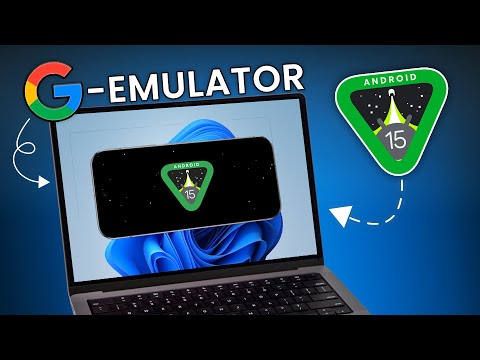
Google's developer emulator: try the newest Android (15, 17) first.
The Android Studio Emulator is Google's official emulator for app developers. It's the first place to try brand-new Android versions like Android 15 and Android 17, as shown on the channel. It needs a powerful PC and isn't built for gaming.
From the vendor's official pages, last checked Nov 15, 2026. Sources: developer.android.com [1] · developer.android.com [2]
Virtualization (VT): Required. A developer tool. Pick it to try the newest Android, not for gaming. How to enable VT →
Most of these tools install on a Windows PC. Send yourself this page and open it on your computer.
The channel's No.1 pick for 2026: smooth, stable, Android 15.

Gaming-focused emulator, now on Android 14 (LDPlayer 14).

The most popular emulator: polished, reliable, works with Hyper-V.